
Serato on iPhone & iPad: Practice Tool, Backup Rig or Main Setup?
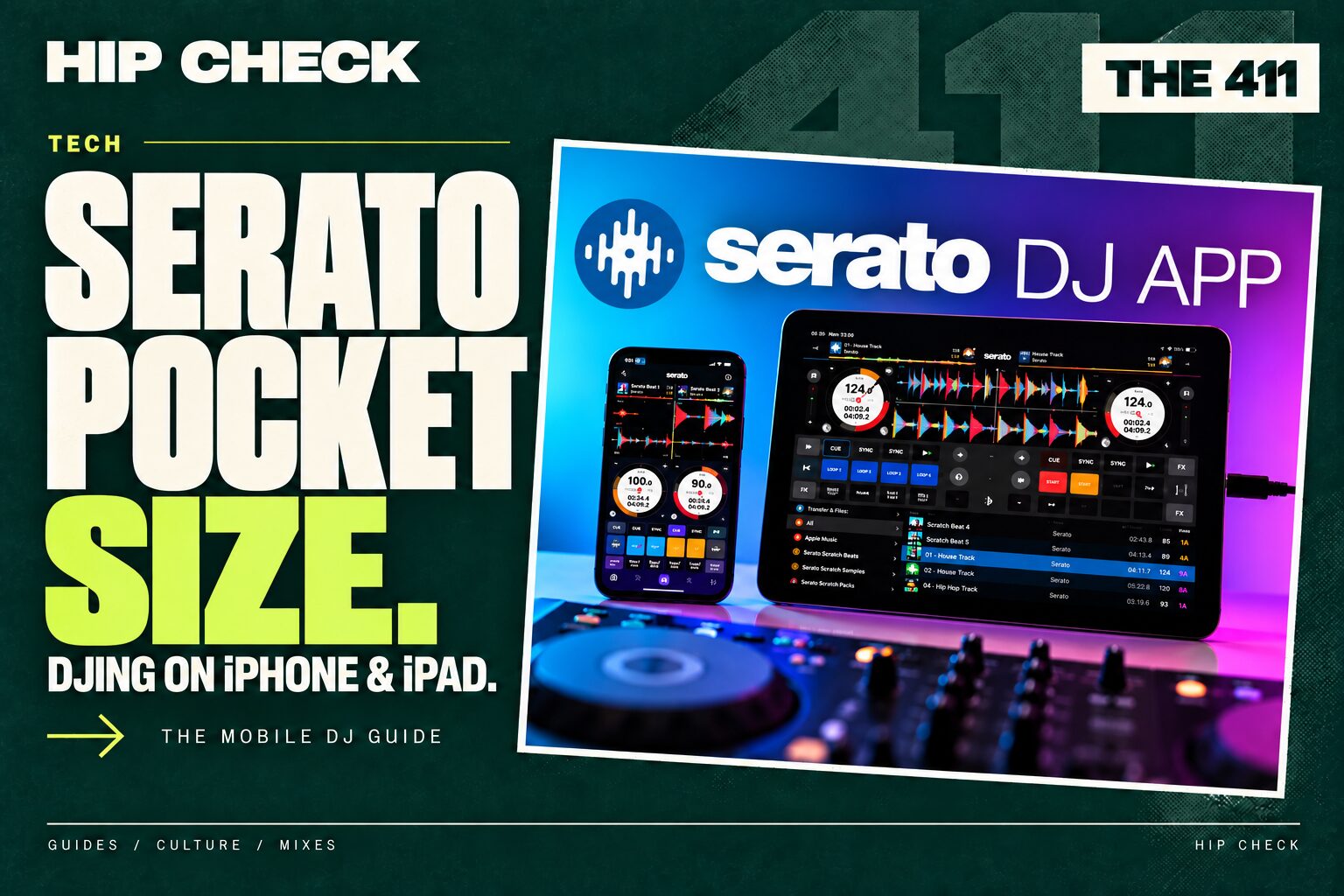
Serato is now on iPhone and iPad. The working-DJ question is what you can trust it to do. An idea-testing tool on the train, a backup in the booth and a main performance system are three different jobs. A mobile app can be useful without automatically replacing your laptop.
Serato announced DJ for iOS on 20 October 2026, alongside its DJ 5.0 desktop release. This is THE 411’s researched assessment, checked on 22 October 2026; we have not carried out a hands-on HC hardware test. Features, supported devices and prices may change.
What has actually launched?
Serato’s launch announcement introduces a mobile version of its DJ platform, with familiar decks and performance tools. The official feature page advertises support for more than 120 hardware setups, including compatible controllers and mixers, plus DVS support within the full feature set.
Do not read that number as “anything with a USB socket”. Check the specific supported-hardware list for your exact model. A desktop setup working with Serato does not, by itself, prove the same connections or entitlement will work on mobile.
Free versus paid: check before you pack
At the time of checking, Serato lists a feature-limited free version and a US$149 purchase option. Full access is also included with qualifying Serato DJ Suite access. Confirm your account entitlement and local checkout price, including any relevant taxes, rather than assuming a desktop hardware unlock includes everything on iOS.
For a scratch DJ, a feature such as DVS may be central. For someone trying a transition on the sofa, it may be irrelevant. Make a list of the tools you actually use—cue points, stems, pad modes, recording, number of decks—then compare those against the current plan table. The cheapest useful setup is the one that covers your workflow, not simply the lowest headline price.
Getting your music onto the device
Serato’s setup guide describes three routes: transferring music from desktop Serato, importing local files and using supported streaming services. The new iOS Transfer workflow carries music and crates from the computer to the mobile device. For existing Serato users, that is a more relevant starting point than rebuilding a selection one track at a time.
However, transfer and two-way sync are different promises. Digital DJ Tips’ launch review reports that edits made on the mobile device do not return to the laptop through that workflow. It also identifies limitations in library organisation. Those are review findings, not an HC test result; check subsequent release notes before making an on-the-go preparation system depend on them.
Our suggestion: transfer a small, clearly named test crate first. Check several cues, loops and files on the device. Make a disposable cue edit and verify exactly where it is retained. Only then decide whether this is a practice copy, a backup library or part of your main preparation process.
Job one: testing ideas away from the booth
This is the easiest role to justify. You hear an R&B hook and want to try it against a hip-hop instrumental, or check whether a dancehall-to-Afrobeats change feels natural. A small device can help you hear the idea before you forget it.
Use a short crate of familiar music, headphones and a specific question: does the phrase change land; are the vocals competing; is the energy jump too abrupt? A successful experiment still needs checking on your performance rig. Touch controls and a small screen do not reproduce the reach, feedback or monitoring of a full setup.
For detailed vocal handovers, our mixing vocals guide provides a useful practice framework.
Job two: a backup you have actually rehearsed
A phone with an app is not yet a backup system. You need a known audio route into the venue, the correct cables or powered hub, enough charge, accessible music and a way to start playback while you solve the original problem.
- Prove the audio route. Test the exact controller or mixer connection, not just the phone speaker.
- Separate cue and master. Confirm headphones and audience output behave independently where your setup supports them.
- Check power under load. Practise a realistic session with the same charging arrangement and accessories.
- Carry a usable local selection. Verify files open without relying on venue Wi-Fi. Streaming availability, account terms and offline behaviour need separate checks.
- Rehearse the handover. Know which mixer channel or input you will use and how you will match its level.
Our streaming versus downloaded music guide covers the wider library question. Here, the priority is whether the backup still works when the thing you normally depend on has failed.
Job three: your main performance rig
It may suit a deliberate compact setup, but evaluate it as a whole system. How quickly can you find a requested clean version? Can you browse while keeping track of the playing deck? Is the screen readable at the angle and lighting of the booth? Can the device remain powered without loose adapters obstructing controls?
Digital DJ Tips reports that the launch version does not offer CDJ HID control, so do not equate compatible DVS use with plugging into any club player as a controller. Check that distinction for your venue. The review’s practical connection tests are useful context, but your own hardware combination still needs rehearsal.
Serato’s official guidance also addresses interruptions from calls and notifications. Configure Focus or Do Not Disturb carefully, including repeated-call exceptions, and test the result. Keep any connectivity required by your actual music source in mind. A blanket “turn everything off” instruction is no use if your selected workflow requires a network.
The HC verdict
Practice tool: a compelling use case. It lowers the effort involved in trying a transition when inspiration arrives.
Backup: promising once tested. Its value depends on the complete connection, power and music plan—not the app icon on your phone.
Main rig: a workflow decision. For some compact setups it may make sense. For DJs whose performance depends on extensive library management, particular integrations or familiar laptop ergonomics, there are questions to resolve first.
These are HC’s editorial recommendations based on the documented launch features and independent reporting. We would not recommend changing a paid-gig setup on launch excitement alone.
Watch, check and compare
- Serato’s getting-started videos: official setup demonstrations.
- Digital DJ Tips’ written and video review: independent launch assessment.
- Official iOS release notes: check requirements and changes before installing or updating.
- Rekordbox vs Serato: our wider platform comparison.