
Is It 70 or 140 BPM? How to Fix a Hip-Hop Beatgrid in Serato
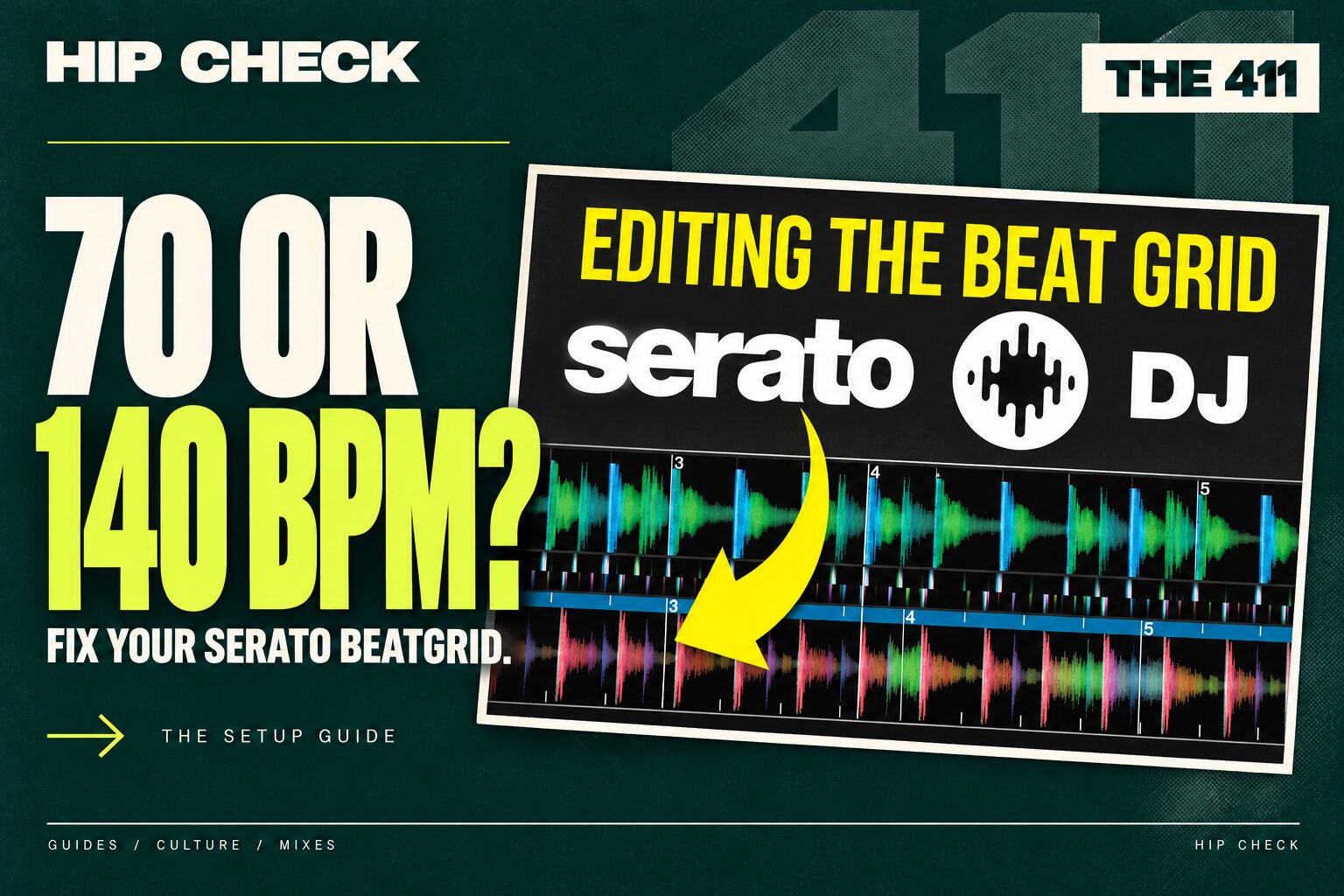
Your head is nodding at 70 BPM. Serato says 140. The record still sounds right, right up until you punch in a four-beat loop and it comes back halfway through the line you meant to repeat. That loop tells you more about the problem than the number in the library.
Start with the loop you actually want
Load a trap track with a steady kick and snare. Count four slow pulses out loud over the hook. At 70 BPM those four beats last about 3.4 seconds. At 140 they last about 1.7 seconds. Both counts can describe the same recording. If you like working at 140, an eight-beat loop will catch the same piece of music as four beats at 70. Leave the pitch fader where it is while you decide.
If every grid line lands twice as often as you expect
Open the beatgrid editor on the loaded deck. Find a clear downbeat and follow the next four slow counts. If there are two grid intervals for every count, use the halve-BPM control. If the grid marks only every other count, use double BPM. Save the edit, start a four-beat auto loop on the downbeat and listen to the join. The track should play at the same speed. Only the spacing of the markers and the length of beat-based controls should change.
For a batch of similar tracks, choose an analysis range that includes the tempo you intend to count. Audition one file before reanalysing a crate you have already prepared. Serato’s analysis settings.
If the BPM looks right but beat one lands on a pickup
Try an R&B intro where the singer comes in ahead of the band. Let the first full drum phrase play, count back to its opening kick and pause there. If the markers stay evenly spaced but the bar begins on the wrong beat, set the downbeat marker on that kick. If every marker consistently lands a fraction early or late, slip the grid into place. Check another phrase at the hook before saving. A vocal can make a great hot cue even when the grid’s first beat belongs somewhere else. Serato’s illustrated beatgrid guide.
If the first eight bars line up and the last eight drift
Put a live-drum break on the other deck. Compare the grid at the intro, middle and outro. A gap that grows steadily suggests the grid tempo needs a small adjustment. If the drummer speeds up in one passage and settles back in the next, use a beat marker at a clearly audible downbeat where the timing changes. Work forward in sections. Leave the drummer’s swing alone and check the pulse through each edit. Serato’s DJ Pro beatgrid walkthrough.
The booth test
Play the intro loop against a steady drum track for eight bars in headphones. Jump to the hook, then try the same test at the outro. Listen for a doubled kick, a chopped consonant or a snare that arrives earlier with every repeat. If the loop holds at all three points and releases cleanly into the next phrase, you have a grid you can use under pressure.